UI Redesign Aims to Improve Player Experience
22 July 2026
When was the last time a game’s interface made you smile instead of sigh? We’ve all been there—fumbling through clunky menus, struggling to find options, or clicking five times just to equip a simple item. That's where a good UI (User Interface) comes into play—and more importantly, where a smart UI redesign can totally change the way you experience a game.
In the ever-evolving world of video games, UI isn't just about aesthetics. It's about making you—the player—feel connected, comfortable, and completely immersed. So, let's dive into why devs are giving their games a UI makeover and how these changes make your in-game life way easier (and a lot more fun).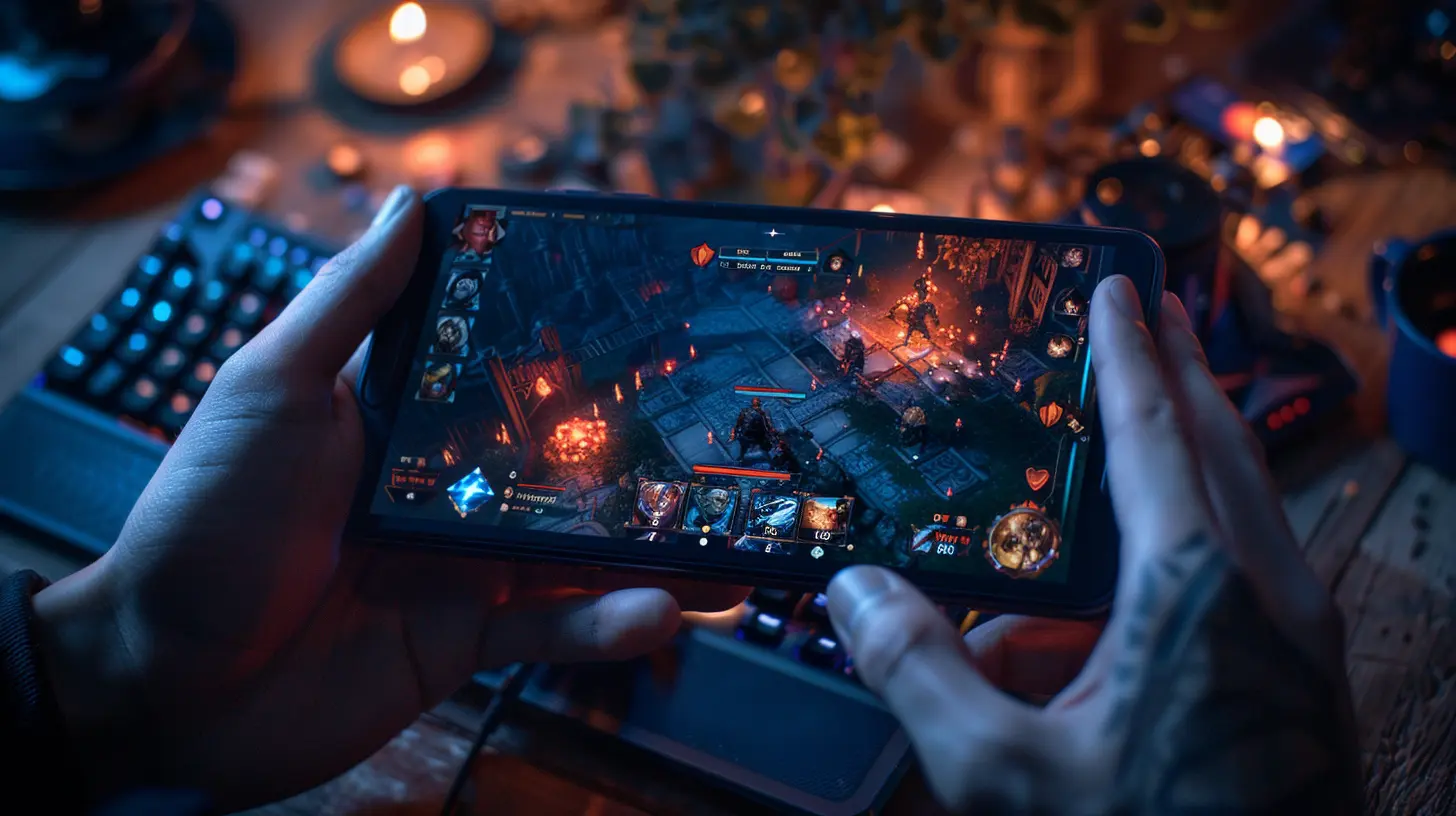
What Is UI and Why Should Gamers Care?
Alright, real talk—UI might sound technical or boring, but if you've ever played any game for more than five minutes, you've interacted with it. The UI is everything from the health bars, menus, and maps to the inventory screens and loading indicators.Now, when it works well, you barely notice it. But when it’s bad? Oh man, it can ruin your whole vibe.
Think of UI like the steering wheel in a car. You don’t think about it when it works, but if it’s awkward or hard to use, your drive becomes a pain. It's literally your way of interacting with the game world.
Why UI Redesign Matters Now More Than Ever
Games today are more complex than they were a decade ago. With bigger maps, more items, and deeper storylines, interfaces also have to step up.Here’s why developers are focusing on UI redesigns lately:
- Player Feedback: Gamers speak up—and loudly. Devs listen. A confusing interface is one of the top complaints.
- Accessibility: More inclusive designs for players with disabilities or different gaming preferences.
- Cross-Platform Play: PC, console, mobile... one UI won't fit all.
- Modern Aesthetics: A dated interface can age a game visually, even if the gameplay's still strong.
Basically, UI redesigns are about keeping pace with the gamers' needs.
The Goals Behind a UI Redesign
When developers decide to revamp a game’s interface, it’s not just for kicks. They're usually trying to solve specific problems or improve how players feel and interact with the game. Some primary goals include:1. Simplicity and Clarity
Ever feel overwhelmed by too much info on your screen? A clean UI cuts out the clutter and gives you exactly what you need—nothing more, nothing less. That’s clarity.2. Enhanced Navigation
Menus should be intuitive. If you need a tutorial to navigate the settings, that’s a red flag. A fresh UI makes exploring features smooth and speedy.3. Faster Load and Reaction Times
Snappy interfaces equal quicker actions. In high-stakes games, those extra few seconds matter. A redesign can trim lag and boost performance.4. Device Optimization
What's great for PC might be awful for mobile. A redesign allows devs to tailor interfaces specifically for each platform—a must in today’s multi-device gaming culture.5. Better Accessibility
Font size, color contrast, voice commands, customizable controls—these are all part of smart UI design that makes the game more welcoming for everyone.
Real-World Examples of Killer UI Redesigns
Let’s look at a few games that absolutely nailed their UI redesigns and made life easier for their players.?️ Call of Duty: Warzone
Remember when Warzone’s early UI felt like a maze? Loadouts and friends lists were all over the place. The redesign brought:- Cleaned-up weapon loadouts
- Faster access to settings
- Streamlined mission tracking
Today, it’s much more player-focused and faster to navigate.
?♂️ World of Warcraft (WoW)
Blizzard upgraded the WoW UI in "Dragonflight" with a much-needed refresh to its nearly two-decade-old look. They didn’t just slap on new colors—they revamped scalability, increased customizations, and made the interface finally feel modern without losing that classic WoW flair.?️ Destiny 2
Bungie did a solid job tweaking Destiny 2’s UI to give players faster access to gear, quests, and in-game friends. They made things more visual, ensuring players could quickly glance at essential data. It made the "grind" feel a lot less grindy.The Role of Player Feedback in UI Redesign
Here’s the thing—developers aren’t changing UIs in a vacuum. Player feedback is the compass guiding these changes.Reddit threads, Discord servers, and feedback forms play a massive role. Devs often monitor player behavior and complaints to understand pain points. For example:
- Players saying, “Why can’t I find this button?” prompts better layout structures.
- Frequent confusion over in-game currencies or loot systems may mean adding better tooltips or visual guides.
In many cases, devs even push out test versions (betas) to get real-time feedback before going live. It's like crowdsourcing the perfect gaming experience.
When UI Redesign Goes Wrong: Learn From Failures
Not every UI glow-up is a win. Sometimes, redesigns flop. Why? Because they forget the golden rule: the player comes first.Take the backlash faced by Battlefield 2042 at launch. The UI looked sleek, but players complained it was functionally terrible—menus hid important data, and team selection felt like a chore. It was form over function, and players noticed.
The takeaway? A pretty UI means nothing if it’s not practical.
How UI Impacts Game Engagement
A well-done UI can make the difference between a player who sticks around for hours and one who rage-quits after ten minutes.Let’s break it down:
- Immersion: With a seamless UI, the world feels real—you’re not distracted by clunky controls or unreadable text.
- Retention: First impressions matter. If a new player opens the game and is overwhelmed, they might never come back.
- Skill Progression: Gamers learn mechanics faster when the UI guides them, not confuses them.
- Customization: Allowing players to tweak their UI keeps them in control—and who doesn’t love a personalized setup?
UI Trends Shaping the Future of Gaming
UI design isn’t static. It's evolving like the games themselves. Here are a few trends that are heating up:1. Minimalist Interfaces
Less is more. Games are shedding unnecessary fluff for clean, elegant designs.2. Adaptive UIs
Smart interfaces that change based on player behavior? Yep, that’s happening—giving you what you need, when you need it.3. Voice and Gesture Controls
With VR and AR becoming mainstream, expect UIs that respond to your voice or hand movements.4. Dark Mode Everything
Our eyes thank game devs for this. Darker, high-contrast interfaces are easier on the eyes, especially during long play sessions.What You Can Do: Be Part of the Redesign Conversation
Gamers have more power than ever. If you love (or hate) a UI, say something:- Post on forums or Reddit
- Fill out official feedback forms
- Participate in beta testing
You’d be surprised how often devs take feedback to heart. Your voice could help shape the future look and feel of your favorite game.
Final Thoughts: It’s More Than a Makeover
UI redesigns are way more than just a cosmetic facelift—they’re quality-of-life upgrades that can totally transform the way you interact with a game. When done right, they feel invisible yet impactful.A good UI doesn’t just help you play better. It helps you feel better while playing.
So the next time you boot up a game and everything just makes sense—from the menus to the map—give a silent nod to the designers. They’re the unsung heroes behind the curtain, making your virtual adventures smoother, simpler, and a heck of a lot more enjoyable.
all images in this post were generated using AI tools
Category:
Gaming News UpdatesAuthor:

Stephanie Abbott