How to Incorporate Educational Games into Daily Routines
17 January 2026
Let’s face it—we all want our kids (and even ourselves) to learn more, stay sharp, and still have fun while doing it. But squeezing in educational tasks between homework, chores, and the never-ending chaos of daily life? That sounds like trying to do a jigsaw puzzle with missing pieces.
Here’s the good news: educational games can turn boring routines into playful, engaging, and brainy adventures. Whether you're a parent, a teacher, or just someone who loves to keep learning alive, incorporating educational games into your daily routine isn't just smart—it’s actually easier than you think.
So grab your coffee, put away that guilt trip about “not doing enough,” and let’s dive into how you can sprinkle some game-based learning into your everyday life.
Why Educational Games Work Like Magic
Before we jump into the real juicy stuff—like how to actually do this—let’s pause for a second.Why do educational games even matter?
Well, imagine trying to teach a five-year-old math by handing them a textbook. Now imagine teaching them the same thing through an app where dragons eat numbers and treasure unlocks with multiplication. No brainer, right?
Here’s why games are pure gold:
- They’re engaging: Games turn learning into playtime.
- They trigger dopamine: That feeling when you win? Yeah, it’s science.
- They build real skills: Memory, problem-solving, language—you name it.
- They’re repetitive (in a good way): Repetition builds mastery, and games nail that naturally.
Basically, educational games sneak learning in the back door while everyone is busy having fun in the front yard.
Step 1: Start Small—Sneak Games into “Down Time”
Let’s not overthink this. You don’t have to revamp your entire schedule. Start by looking for tiny windows of opportunity.Morning Routines Got You in a Rush?
Think brain games while eating breakfast. Try trivia cards at the table or play a quick quiz game while brushing teeth. “Guess the word of the day” or “Who can spell pancake first?”—super simple, super effective.Waiting Around? Game Time.
In the car, at the doctor’s office, or during grocery lines, fire up a learning game app. Phones aren’t the enemy—as long as they're being used wisely.Pro tip: Download offline math or vocabulary games for those bad signal zones. No connection? No problem.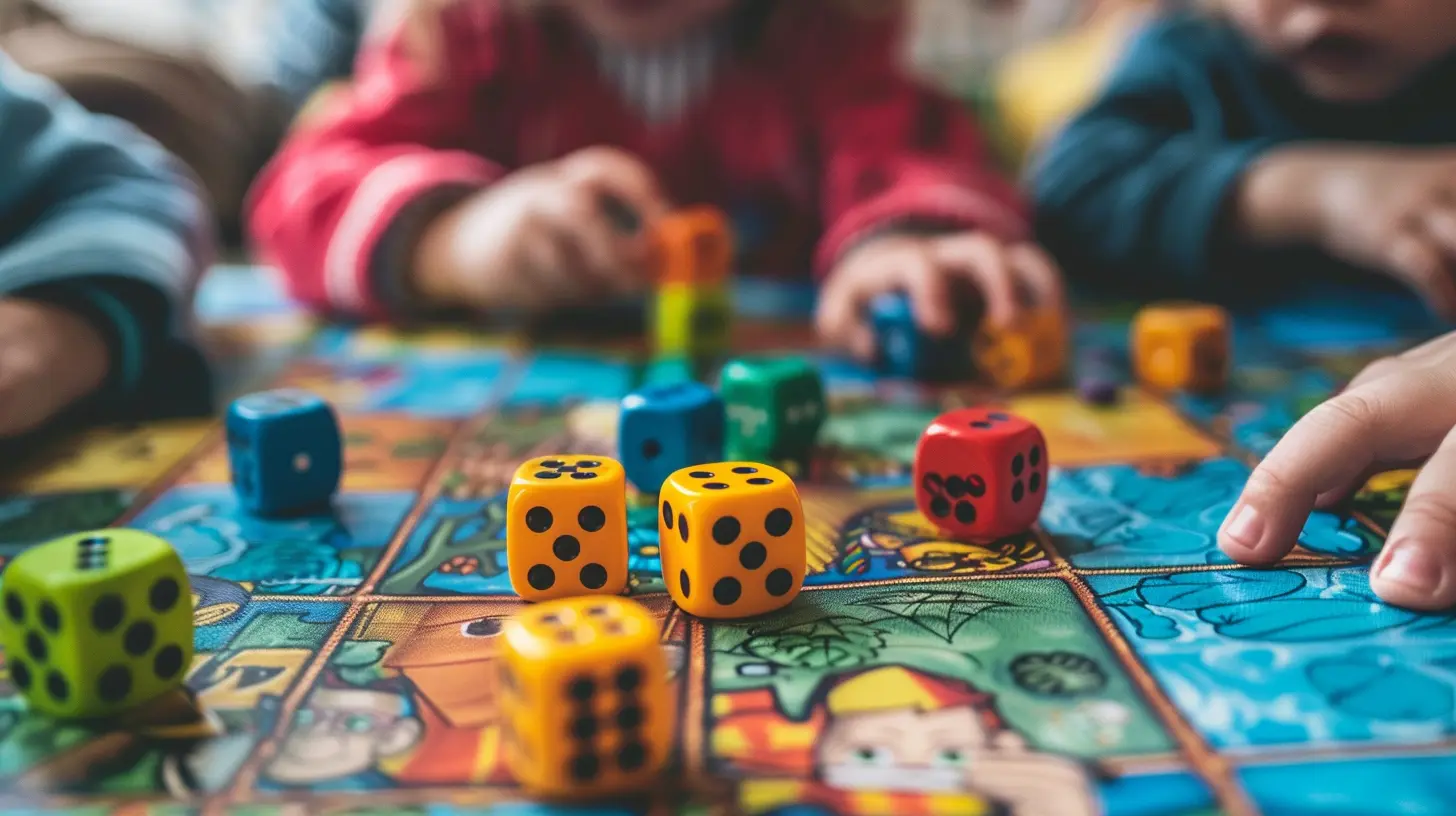
Step 2: Make It Part of Family Time
Wanna connect with your kids and trick them into learning? Game night just got leveled up.Combine Fun and Learning with These Ideas:
- Board Games with a Twist: Use classics like Scrabble, Boggle, or Math Dice. These already pack an educational punch.- DIY Flashcard Battles: Make it competitive. Winner picks dessert!
- Story Chain Games: Each person adds a sentence to a story—but they have to include a verb in past tense. Grammar fun? Yup.
Make sure the vibe stays light-hearted. No one wants to play Monopoly if it comes with a quiz.
Step 3: Use Tech Without the Guilt
Screen time gets a bad rap. But here’s the deal—screens are tools. It’s all about how you use them.Best Educational Game Apps That Don't Feel Like Homework
1. Prodigy Math Game – Math becomes an RPG? Yes, please.2. Duolingo – Perfect for language learners of all ages.
3. Kahoot! – Make your own quizzes or use existing ones.
4. Toca Life World – While it may look like free play, it encourages storytelling, creativity, and logical thinking.
5. BrainPOP – Perfect for science, history, and vocabulary.
Set a goal: 15–30 minutes a day. It’s like brushing your brain’s teeth.
Step 4: Turn Chores into Learning Games
This is where things get clever.No one likes chores. But what if folding laundry became a math game?
Learning While Cleaning? Yup.
- Sorting socks? Ask your kid to find matches and count by twos.- Unloading the dishwasher? Group items by category: "How many utensils? What’s the total if each fork = 2 points?"
- Cooking together? It’s a masterclass in math, fractions, reading, and even chemistry!
Basically, every task has the potential to become a brain booster. You’re just reframing it.
Step 5: Embed Learning in Screen-Free Play
All games don’t have to be digital. In fact, old-school fun might be even more effective.Easy Screen-Free Educational Games:
- Scavenger Hunts: Hide vocabulary words or math problems around the house.- Word Association: Start with a letter, and go in a circle naming things that start with it. Great for memory and creativity.
- Simon Says—with a Twist: “Simon says name a triangle with three equal sides!” (Trick question? Yep, equilateral!)
These work especially well when you want to limit screen time but still want some solid learning packed in.
Step 6: Let The Kids Lead
Here’s a radical idea: ask your kids what games they want to play.Chances are, they already know which games are fun—and some might have more educational value than you think.
Got a kid obsessed with Minecraft?
- Use it. Task them with building a historical monument or solving puzzles that require math.
Got a Roblox fan?
- Explore educational servers. Many are designed to teach coding, critical thinking, and collaboration.
By letting them take charge, you’re making it THEIR journey. They’ll learn accountability and might even end up teaching you a thing or two.
Step 7: Make It a Habit—Without Forcing It
Routine is key, but you don’t want it to feel like mandatory fun (worst phrase ever, right?).Keep It Casual but Consistent
Examples:- “After dinner, we do a one-round word game before dessert.”
- “Every Saturday morning, 20 minutes of math games before cartoons.”
- “Car rides are for brain teasers—or riddles!”
Don’t stress if you miss a day. The goal is consistency, not perfection.
Step 8: Use Rewards (But Not the Way You Think)
We’re not saying bribe your kids with candy every time they learn a new word.But gamification is powerful. So use it.
Ideas That Work:
- Create a points system where they earn badges or screen time based on gameplay streaks.- Let them build a “Game Journal” where they record what they learned each day.
- Level up with "Boss Battles"—end-of-week challenges with multiple rounds.
When learning feels like leveling up, motivation skyrockets. It’s like XP for the brain.
Bonus: Educational Gaming for Adults, Too
Don’t think this only applies to kids.Trying to pick up a new language? Memorize geography? Improve your focus?
There are tons of brain-training games for grown-ups. Apps like Lumosity, Elevate, and Peak offer daily mini-games that target memory, logic, and more.
Play during your coffee break or while waiting in line. It’ll make your brain sharper than a chef’s knife.
And hey, setting an example for your kids? Major bonus points.
Final Tips to Make It Stick
Let’s quickly recap everything and add a sprinkle of secret sauce:- Keep it simple: Start small and add slowly.
- Make it fun: If it feels like homework, scrap it or reframe it.
- Use what you already do: Waiting in line? Chore time? Game time.
- Let your child lead: Follow their interests.
- Mix old-school and digital play: Balance is key.
- Be consistent, not militant: This is supposed to be enjoyable, remember?
- Celebrate progress: High-fives, shout-outs, or a fun treat work wonders.
Learning doesn’t have to be a sit-down lecture or a battle of wills. By blending educational games into your day like sugar into coffee, you keep things sweet, energizing, and totally doable.
So the next time someone asks how you manage to teach your kids math and vocabulary every day without a single tear or tantrum? Just wink and say, “We play games.
all images in this post were generated using AI tools
Category:
Educational GamesAuthor:

Stephanie Abbott
Discussion
rate this article
2 comments
Maverick McNeal
Great tips! Integrating educational games daily makes learning fun and engaging for kids!
January 27, 2026 at 4:10 AM
Stephanie Abbott
Thank you! I'm glad you found the tips helpful. Integrating games is a wonderful way to enhance learning and keep kids engaged!
Declan Navarro
This article sparks my curiosity! How can we seamlessly blend learning with play without sacrificing fun? I’d love to hear specific examples of educational games that have worked wonders in daily routines for different age groups!
January 18, 2026 at 3:39 AM
Stephanie Abbott
I'm glad to hear that! One way to blend learning with play is through games like "Math Bingo" for younger children, which reinforces math skills in a fun way. For older kids, "Kahoot!" engages students with quizzes that can be tailored to any subject. These games can easily fit into daily routines, making learning enjoyable without losing the element of fun!