The Art of Designing a Game Store That Converts
30 July 2026
Let’s be real—when it comes to game stores (physical or digital), looks and layout do matter. You could stock the rarest collector’s edition of Final Fantasy VII, but if your online or brick-and-mortar store feels like a confusing dungeon crawl, customers are gonna bounce faster than a low-level player in a PvP zone.
So how do you turn browsers into buyers and visitors into loyal gamers? That’s what we’re about to dive into. From smart layout choices to cheeky copywriting and ninja-level SEO, we’re cracking open the treasure chest of secrets to designing a game store that doesn’t just look cool—but actually converts.
So grab your controller, stealth boots, and mana potions—because this is gonna be good.
? First Things First – Know Your Party (I Mean, Audience)
Before you design anything—colors, logos, site structure, shelves—you need to know who you're designing for. Are your customers seasoned MMORPG veterans or parents buying Mario games for their kids? Retro game collectors? Teenage streamers?Creating a buyer persona isn't just marketing mumbo jumbo. It’s like choosing your character class in an RPG. You wouldn’t build a sniper loadout for a tank, right?
Quick tips:
- Check your current analytics (if you have them)
- Survey or chat with existing customers
- Lurk in gamer communities (Reddit, Discord, Twitch chats)
Once you lock in your players, design your store with them in mind—content, visuals, layout… the whole shebang.
? Navigation Shouldn’t Be a Boss Fight
Have you ever visited a website and felt like you needed a quest log just to find the “Add to Cart” button?Yeah… don't be that store.
Your navigation should be intuitive, clear, and fast. Whether it’s a physical store layout or an online menu, make sure customers can find what they’re looking for in three clicks or less.
Online:
- Use sticky menus (menus that stay visible as users scroll)
- Keep categories simple: PS5, Xbox, Switch, PC, Accessories, etc.
- Use filters, search bars, and breadcrumbs (not the edible kind)
In-store:
- Group games by genre or console
- Use signs that actually help (no one wants “Staff Picks” scattered randomly)
- Keep the most popular stuff at eye level or near entrances
Remember: You’re the dungeon master here—guide them, don’t confuse them.
?️ It’s All About That First Impression
Imagine someone walks into your game store and sees… flickering fluorescent lights, cluttered shelves, and a puddle of something mysterious near the checkout. Yikes.Now apply that horror story to an online shop that has blurry images, chaotic banners, or a 1998-style layout.
Your storefront is your first impression, and we all know gamers can be brutally honest. Design with aesthetics in mind.
Design Do’s:
- Use high-res images of game covers
- Have a consistent color palette (bonus points if it matches your logo)
- Write clever microcopy (e.g. “Add to Inventory” instead of “Add to Cart”)
- Don’t underestimate white space—give everything room to breathe
Pro Tip: Use real photos (or high-quality renders) for product previews. People want to see what they’re spending their gold coins on.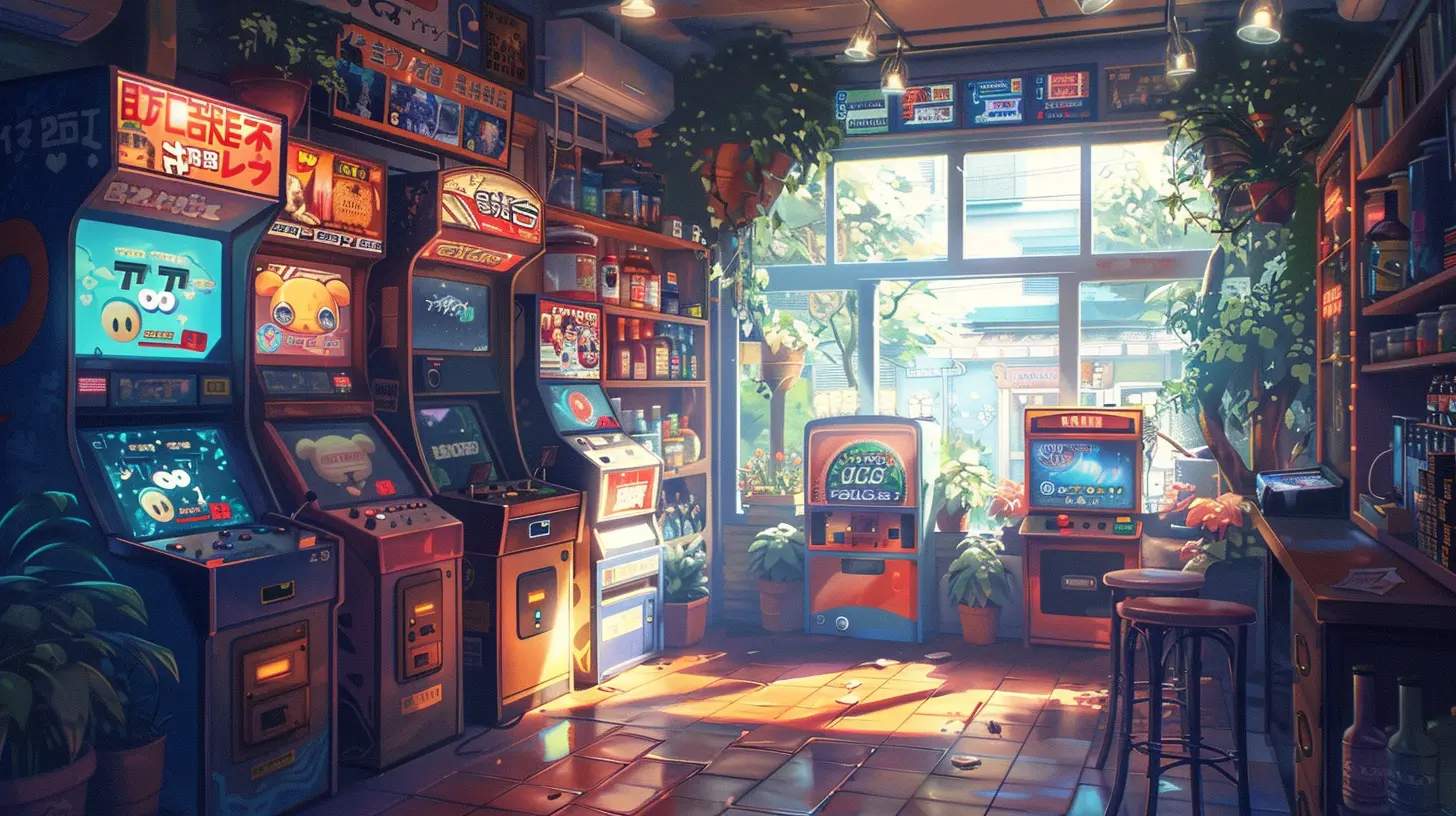
? The Checkout Process: Your Final Boss Battle
If a customer has made it all the way to checkout, congrats—you’re one click away from victory. The last thing you want is for them to rage quit right before completing the order.Whether it’s a digital cart or in-person line, friction is the enemy of conversions.
Make your checkout process:
- Quick
- Simple
- Trustworthy
Online Store Hacks:
- No forced account creation (Use guest checkout!)
- Show shipping costs and taxes up front
- Offer multiple payment options (credit card, PayPal, maybe even crypto for the rebels)
- Display trust badges (SSL secure, verified payment, etc.)
In-Store Tips:
- Train your team to be both friendly and fast
- Use POS systems that don’t crash more than Skyrim mods
- Offer loyalty programs (Gamers LOVE XP… even if it’s just points)
?️ Optimize for Mobile or Prepare to Respawn
Here’s the cold truth: if your game store doesn’t look amazing on mobile, you’re basically handing XP to your competitors.Most gamers—yep, even the ones playing on desktops—are scrolling through stores on their phones. Your mobile UI should feel like second nature.
Mobile Must-Haves:
- Responsive design (duh)
- Clickable buttons that aren’t the size of a pixel
- Fast load times (less than 3 seconds or you’re toast)
- Streamlined menus and product pages
UX on mobile should feel like playing Mario Kart with friends, not Elden Ring on a potato laptop.
? SEO: The Stealth Mission You Can’t Skip
Let’s shift gears and talk SEO—aka Search Engine Optimization. This is how you get discovered on Google without having to spend every last rupee on ads.SEO might sound boring, but done right, it’s like adding cheat codes to your traffic and conversions. And no, you don’t need to be an alchemist to get it right.
Quick SEO wins:
- Use keyword-rich product titles (e.g. “Elden Ring PS5 Limited Edition”)
- Write solid product descriptions (not just “New game. Very cool.”)
- Use internal linking (link related products or blog posts)
- Optimize your images for alt text and speed
- Blog! (Yes, blog about game releases, reviews, guides…)
That last one’s key. Content marketing helps make your site a hub instead of just a store. More eyes = more buys.
? Product Pages: Where the Magic Happens
Once someone clicks on a product, the goal is simple: get them to hit Buy.Your product pages should be optimized for both SEO and conversions.
What to include:
- Killer product titles
- An engaging description (talk benefits, not just features)
- Multiple images (front/back, gameplay, box art)
- Reviews or testimonials
- FAQs (delivery info, compatibility, etc.)
- Related products (a.k.a. “People also bought”)
If you’re selling collector’s editions or rare games, tell a story. Make buyers feel the FOMO.
?♂️ Gamify the Experience (Ironically Appropriate)
Want to stand out? Make every interaction with your store feel like a game itself.Gamification boosts engagement and makes shopping fun—yes, even when someone’s just looking for controller grips.
Ideas to try:
- Point-based reward systems
- Achievement badges for purchases or reviews
- Daily deals or mystery loot boxes
- A progress bar for loyalty tiers (e.g. “You’re 20 XP away from Level 2”)
Any excuse to make people feel like they’re leveling up is a win. Just don’t make the system overly complicated. This isn't Path of Exile.
??? Community Matters (Don’t Be an NPC Store)
A game store that converts doesn’t just sell—it connects.Build a community around your brand:
- Host tournaments or launch events
- Share user-generated content (like game room setups)
- Feature streamers or local creators
- Start newsletters with memes, news, and game deals
Gamers love to belong. Make your store the guild hall, not just a vending machine.
? Keep It Clean (Maintenance Mode Is Not a Game)
Congrats! You’ve built your game store and the orders are rolling in.Now don’t let it rot like an abandoned Tamagotchi.
Regular maintenance tips:
- Update outdated product listings
- Remove broken links
- Test your checkout journey monthly
- Listen to customer feedback and improve
- Add new content or blog posts regularly
Your store should feel alive and well-kept—like a beloved NPC town, not some forgotten map corner in Dark Souls.
Final Thoughts: Put Player Experience First
At the end of the day, designing a game store that converts isn’t about flashy banners or hacking algorithms—it’s about creating an experience.You want people to:
- Enjoy browsing
- Trust your store
- Get excited about what they buy
- Tell their friends (or Discord squad)
So build your store like a great quest line—inviting, rewarding, and memorable.
Now go forth, hero, and turn your game store into a conversion machine worthy of a platinum trophy.
all images in this post were generated using AI tools
Category:
Game MonetizationAuthor:

Stephanie Abbott