How to Balance Screen Time With Educational Value
15 December 2025
Let’s be real—screens are everywhere. From smartphones to tablets and gaming consoles, they’ve become a part of our daily lives. For gamers, students, and kids alike, screen time is now as regular as brushing your teeth (and let’s hope we’re not skipping that too often). But here’s the million-dollar question: how do we balance screen time with educational value?
It’s a tightrope walk. On one side, screens open the door to learning, creativity, and even career-building skills like coding and game design. On the other hand, too much unfiltered screen time can lead to zoning out, eye strain, or missing out on good ol’ fresh air.
In this post, we’re diving deep into smart and simple ways to make screen time work for you or your kids—without turning into a zombie in front of the screen.
Why Screen Time Gets a Bad Rap (And Why It’s Not All Deserved)
Let’s start here: Screen time isn’t the villain in some 90s cartoon. The real issue? It’s what we’re doing with those screens and how long we’re doing it.Not all screen time is equal. Watching cat videos for three hours? Probably not educational (but entertaining, we’ll admit). Using a screen to solve physics puzzles, learn a new language, or design a video game? Now we’re talking about value.
So, the goal isn’t to rip the screen away but to make screen time smarter, sharper, and more meaningful.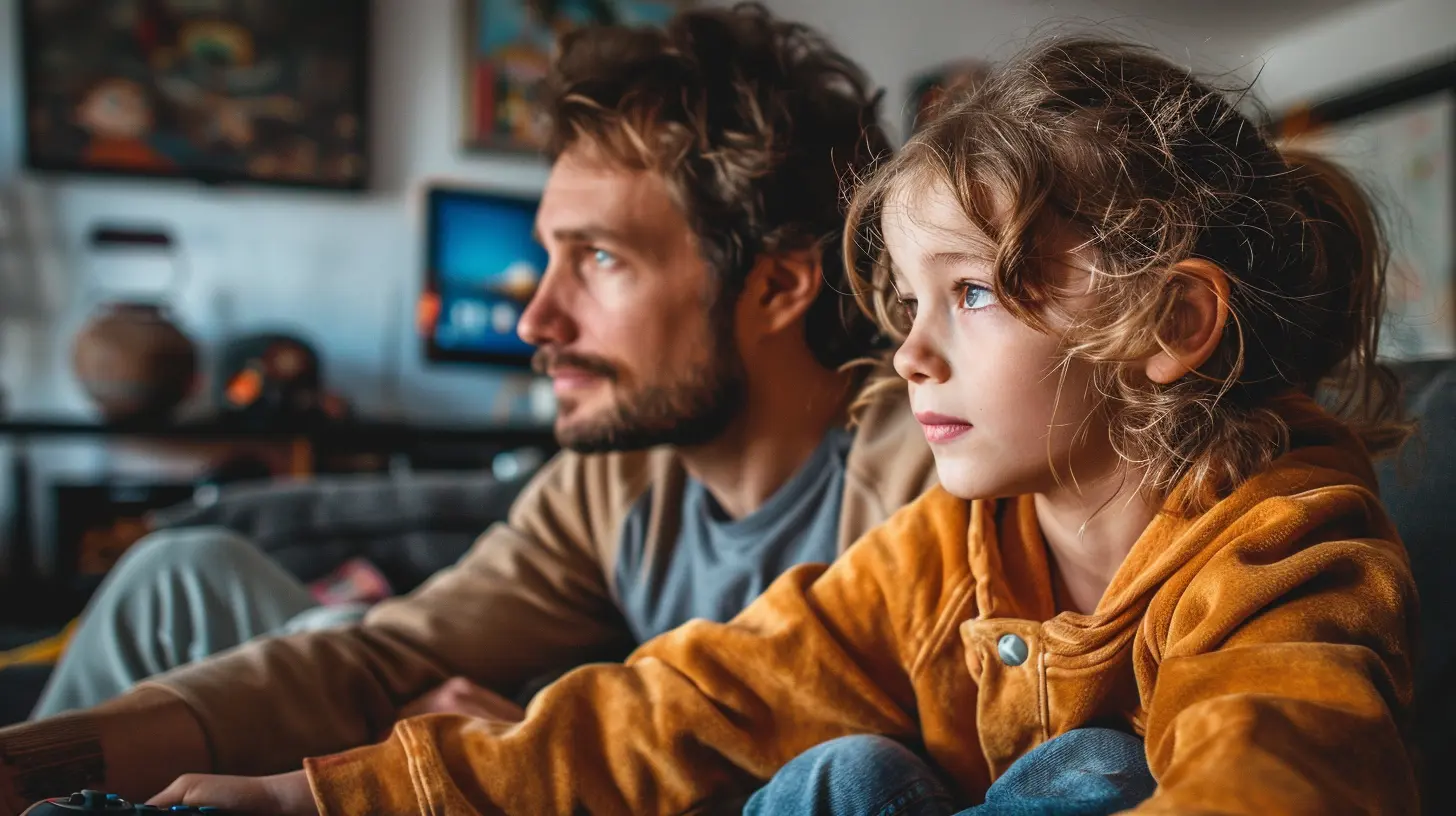
Setting the Foundation: What Is “Balanced” Screen Time?
Okay, so what does “balanced” actually mean?Well, it varies. For young kids, the American Academy of Pediatrics suggests about an hour of high-quality screen time per day. For older kids and teens, it’s more about how screens are used than just the clock ticking away.
Here’s a simple rule of thumb:
If screen time adds value, teaches something, or encourages critical thinking, it's probably time well spent.
But balance also means variety. Even the best educational games can’t replace physical activity, outdoor play, social interaction, or good sleep.
The Golden Rule: Quality Over Quantity
Let’s be honest—we all lose hours in a YouTube rabbit hole now and then. But not all screen time needs to feel like a black hole of mindless scrolling.Ask yourself (or your kid):
- “What am I getting out of this time?”
- “Is this helping me learn, grow, or relax in a healthy way?”
High-quality screen time can look like:
- Playing math or logic-based games (hello, Minecraft Education Edition)
- Watching documentaries or science channels on YouTube
- Coding with platforms like Scratch or Roblox Studio
- Reading interactive eBooks or using learning apps
Low-quality? Doomscrolling for the next viral TikTok. You get the idea.
Time for a Game Plan (Literally)
Let’s break it down. If you’re a parent, student, or even someone trying to manage your own screen time, here are some clever tactics to strike that sweet balance.1. Create a Screen Time Schedule—and Stick to It
Consistency is your secret weapon here. Doesn’t have to be military-level strict, but having clear rules like:- No screens during meals
- Study first, screen second
- A 30-minute limit on entertainment apps
- Mandatory breaks every hour
This approach builds discipline without triggering tantrums (from kids or yourself).
Bonus tip: Use built-in phone or console tools to track usage and set limits. Apple Screen Time, Google’s Family Link, or apps like Forest can help.
2. Mix Entertainment With Education
Why choose between fun and learning when you can blend both?Games like:
- Civilization VI (strategy and history)
- Kerbal Space Program (physics and aerospace)
- The Oregon Trail (history and problem-solving)
...are perfect examples of “edu-tainment” that make learning way less boring.
3. Get Involved in the Gameplay
Parents, listen up—you don’t need to be a hardcore gamer to connect with your kids through games. Sit down, ask them what they’re playing, and even try it out.This helps you:
- Understand what they’re engaging with
- Guide them toward more educational choices
- Build trust instead of enforcing rules with zero context
Think of it less like policing and more like joining a quest.
4. Encourage Active Participation Over Passive Watching
Watching Let’s Plays or Twitch streams might be fun, but it’s not always engaging.Encourage more interactive time:
- Building in sandbox games
- Solving puzzles in logic apps
- Creating instead of just consuming (e.g., making movies with apps like Stop Motion Studio)
When users are thinking and doing, they’re learning—even if it looks like play.
Educational Gaming: The Unsung Hero
Let’s give credit where it’s due. The gaming world isn’t just about shooting aliens or collecting coins. Educational games are lowkey genius.Here are a few top picks:
- Minecraft: Education Edition
Teaches coding, engineering, math, science, and teamwork.
- Zoombinis
A classic logic game wrapped in adorable characters and puzzles.
- Prodigy
Math practice disguised as a fantasy quest—kids don’t even realize they’re doing homework.
- TypingClub or NitroType
Learning to type fast can be a game—and it's a skill you'll use forever.
- Kahoot!
Quizzes that are fun and great for group learning.
These games and platforms make it easier than ever to sneak learning into a fun experience.
Screen-Free Activities to Create Healthy Boundaries
As much as we love our screens, our brains need variety. Mix things up with offline activities that still rock those creative and cognitive muscles:- Board games like Codenames or Ticket to Ride
- DIY projects or Lego building
- Drawing and storytelling
- Reading (actual books) with a fun challenge like “20 pages a day”
- Outdoor adventures like geocaching or scavenger hunts
These act like the veggies on your screen-time plate. Not always the first choice, but so good for growth.
The Power of Parental Involvement
If you're a parent navigating this balance, here's one powerful truth: Your attitude toward screen time sets the tone.Kids model what they see. If you binge-watch Netflix every evening, it’s harder to tell them to get off the iPad.
Try this:
- Watch shows or play games together. It opens up convos naturally.
- Set tech-free zones and times (like the dinner table or bedtime).
- Be involved without being overbearing. Think coach, not critic.
This mutual respect approach works way better than just laying down the law.
When Screen Time Becomes a Problem
Even with the best intentions, screen time can slip out of balance—especially if it starts affecting:- Sleep
- Grades or responsibilities
- Social interactions
- Mental health
If any of these hit a nerve, it might be time to reassess. Talk openly with your kid or take a hard look at your own habits. There's no shame in adjusting course.
You can also check in with a pediatrician, counselor, or educator if you need backup.
Game-Changing Tools and Apps to Help You Win This
Here are a few apps and tools to help you manage screen time while encouraging educational use:- Forest – Helps you stay focused by planting trees that grow the longer you stay off your phone.
- Freedom – Blocks distractions across all your devices.
- Duolingo – Learn languages in bite-sized lessons that feel like a game.
- Epic! – An amazing digital library for kids up to age 12.
- Khan Academy Kids/Teens – Free educational content on just about everything.
These act like sidekicks to battle distraction dragons and stay focused on real growth.
Final Thoughts: It’s All About Intent + Balance
Balancing screen time with educational value isn’t about banning all fun or turning kids into robots. It’s about being intentional.Use screens as tools, not crutches. Turn entertainment into education. Mix in offline time. And most importantly? Keep the conversation open.
Because in the end, it’s not just about time spent—it's about making that time count.
all images in this post were generated using AI tools
Category:
Educational GamesAuthor:

Stephanie Abbott
Discussion
rate this article
2 comments
Lorelei McMahon
Game on! Learning can be fun and rewarding!
December 17, 2025 at 4:30 PM
Stephanie Abbott
Absolutely! Balancing screen time with educational content can make learning engaging and enjoyable.
Isla McFarland
This article offers a practical approach to managing screen time while ensuring educational value. It's crucial for parents to set boundaries and encourage games that promote learning. Finding the right balance can enrich kids' experiences without sacrificing personal growth.
December 15, 2025 at 3:55 AM
Stephanie Abbott
Thank you for your thoughtful comment! Striking that balance is essential for maximizing both learning and personal growth in children.