Designing Educational Games That Kids Actually Want to Play
19 February 2026
Let's be real for a second—most educational games flop harder than a soggy pancake. They might teach something useful, but if they’re boring, kids tap out faster than you can say “spelling quiz.” So, how do you flip the script and create educational games that kids are genuinely excited to play?
Buckle up, because we’re diving deep into what it takes to design educational games that don’t just teach—they entertain, engage, and make learning feel like a blast (not a chore).
Why Most Educational Games Miss the Mark
Before we talk solutions, let’s look at the problem. Why do so many edutainment titles feel like glorified worksheets?Well, here’s the thing: many educational games are designed with the priorities all wrong. They start with a lesson plan and then slap some game mechanics on top—like putting whipped cream on broccoli and calling it dessert. Spoiler alert: kids aren't buying it.
Instead of making learning fun, they end up making games boring. That’s a double fail.
The Secret Sauce: Fun First, Learning Second
You want to know the secret to designing educational games that kids actually want to play? Prioritize fun. Yep, it's that simple.Start by crafting a game that could stand on its own in the entertainment space, then weave the educational content into the experience. Think of it like hiding vegetables in a delicious smoothie—kids only taste the fruity goodness, but they’re still getting the nutrients.
Let’s check out what makes that "smoothie" actually delicious.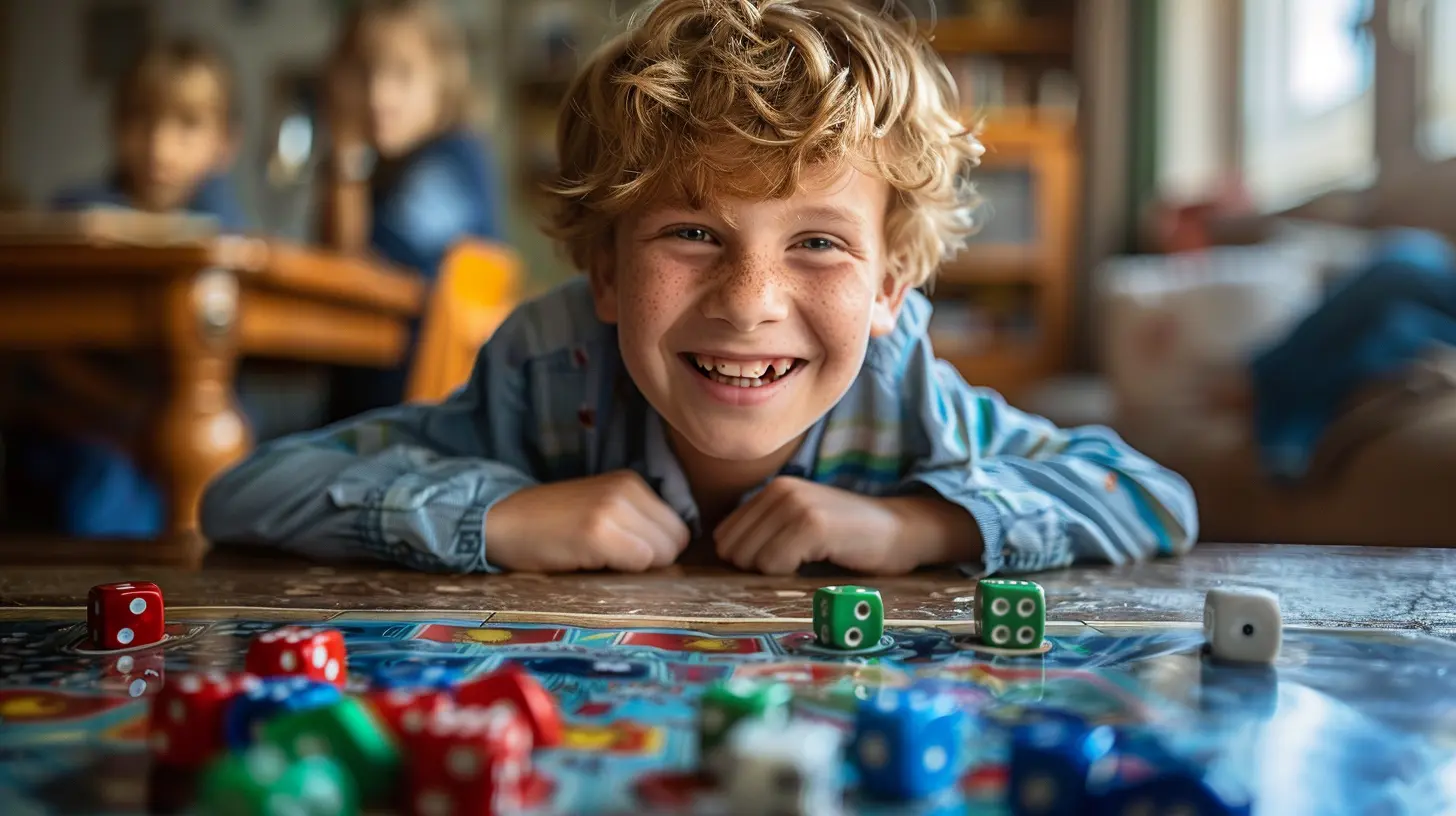
1. Start with the Player in Mind – Know Your Audience
Designing for kids is not the same as designing for adults. Their attention spans are shorter, their humor is different, and their interests can swing as wildly as a monkey on caffeine.Ask yourself:
- What are kids watching on YouTube?
- What characters do they love?
- What game mechanics (puzzles, adventure, collecting things) do they find irresistible?
Do the research. Watch kids play games. Understand their world. When you nail this step, everything else flows better.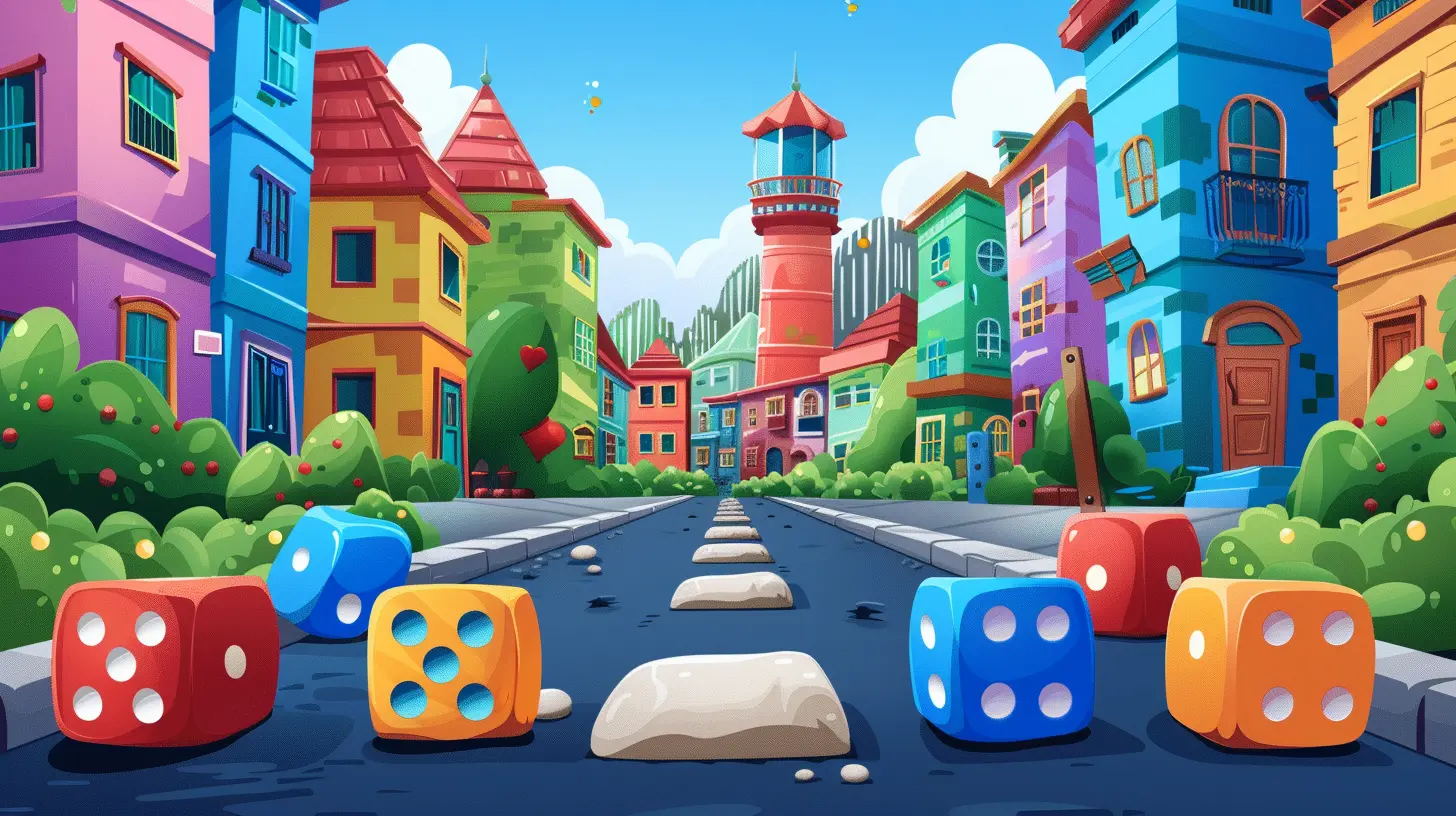
2. Tell a Story They Actually Care About
Let’s face it—kids love stories. Whether it's a magical world, a quirky character, or an epic quest to save a planet made of candy, narrative can be a powerful hook.A strong storyline:
- Gives context to the game mechanics
- Keeps players emotionally invested
- Helps deliver educational content naturally
Think of it like this: instead of doing multiplication drills, kids are helping a robot solve math puzzles to repair its spaceship. Way more fun, right?
3. Make It Beautiful – Visuals Matter (A Lot)
Kids are visual creatures. They grow up on Pixar, DreamWorks, and high-quality animation, so if your game looks like it was made in 1999 by a sleep-deprived intern, it probably won’t fly.Here’s what to focus on:
- Bright, colorful art style
- Fun, expressive characters
- Smooth animations
- Easy-to-read text and UI
Visuals aren't just frosting—they're part of the main cake. Great graphics can elevate your educational game from "meh" to "must-play."
4. Gameplay Needs to Be Tight, Not Tacky
Gameplay is everything. Even if you have stunning visuals and a killer story, clunky controls or repetitive mechanics will tank the experience fast.Here’s what great gameplay in educational games should include:
- Simple mechanics (tap, swipe, drag) that are intuitive
- Just enough challenge to keep it interesting
- Clear progression and rewards
- Short, punchy levels to match short attention spans
Make it snappy. Make it responsive. Make it feel like a real game—not a digital lecture in disguise.
5. Reward Progress Like a Boss
Let’s talk about dopamine—the brain chemical that gets released when we achieve something. Games are masters at triggering it. Educational games? Not always.If you want kids to keep playing (and therefore keep learning), reward them. Often.
Use:
- Badges, trophies, stickers
- Unlockable content (new characters, outfits, levels)
- Fun animations and sounds when they get something right
You know how adults get hooked on collecting likes on social media? Same thing here—but for completing math problems or spelling challenges.
6. Add Genuine Choice and Freedom
Kids hate being micromanaged, even in games. If your educational title forces a player down one rigid path without any choice or flexibility, it's no fun.So give them options:
- Let them pick their avatar
- Offer different paths through a level
- Allow customization (names, colors, accessories)
These little things foster ownership—when the player feels in control, they’ll stay invested longer.
7. Integrate Learning Seamlessly
Here’s the trickiest part: the teaching part. A lot of devs get this wrong by breaking the immersion. You know the type—suddenly the game freezes and you’re slapped with a multiple-choice quiz. Game = dead.You want the learning to feel like part of the game, not a disruption. Try:
- Integrating math problems into puzzles
- Using vocabulary in dialogue and quests
- Embedding science facts into world-building
The best educational games sneak in learning like a ninja. The player’s too busy having fun to even realize they’re getting smarter.
8. Iterate With Real Feedback (From Kids!)
You’re not designing for yourself. You're designing for kids. So don’t assume what they’ll like—test it. Watch them play. Listen when they say "this is boring" (ouch, we know).What to look for:
- When do they lose interest?
- What features make their eyes light up?
- Which challenges are too easy or too hard?
Use that feedback like gold. It helps you refine the game until it’s truly irresistible.
9. Keep It Age-Appropriate
This one’s big. A game made for 5-year-olds should not have the complexity or themes of a game for tweens. Know the educational level and emotional maturity of your target age group.For young kids (5–7):
- Focus on basic colors, numbers, letters
- Keep controls ultra-simple
- Include lots of visual and audio cues
For older kids (8–12):
- Explore more complex subjects (fractions, history, coding)
- Add deeper gameplay and story elements
- Let them tinker, explore, and solve real problems
Matched right, and you’ve got a truly engaging experience.
10. Stay Updated and Evolve
Trends move fast. What’s hot today might be old news next month. The best educational games stay current by adding new content, updating visuals, and keeping the experience fresh.Think about:
- Seasonal updates (winter themes, special events)
- Expansions that introduce new topics
- Community suggestions and feedback loops
The more your game evolves, the longer kids will play—and the more they’ll learn over time.
Bonus: Examples That Get It Right
Need some inspiration? Check out these educational games that manage to nail the fun + learning combo:- Prodigy – Combines a fantasy-style RPG with math challenges. Kids barely realize they’re doing equations.
- DragonBox – Teaches algebra concepts through puzzles in a beautifully animated environment.
- Osmo – Blends physical play and digital learning using real-world objects and a tablet screen.
These games figured out how to blend education into a fun, interactive experience. Study them. Learn from them. Then go build something even better.
Wrapping It All Up
Designing educational games that kids actually want to play isn’t magic—it’s smart design with a sprinkle of empathy and a whole lot of fun. The golden rule? Make the game enjoyable first, then sneak in the learning.When kids are laughing, cheering, and glued to the screen because they’re having a blast, guess what? You win. And so do they.
So let’s stop making boring edutainment and start designing games that turn little learners into lifelong adventurers. Because when learning feels like playing, everybody wins.
all images in this post were generated using AI tools
Category:
Educational GamesAuthor:

Stephanie Abbott
Discussion
rate this article
2 comments
Katherine McTigue
This article brilliantly highlights the balance between fun and education in game design. By incorporating engaging mechanics and appealing narratives, developers can create enriching experiences that captivate young players' interests effectively.
February 23, 2026 at 4:23 PM
Stephanie Abbott
Thank you! I'm glad you appreciated the discussion on balancing fun and education in game design. Engaging mechanics and narratives are key to captivating young players!
Pandora McMaster
This article effectively highlights the challenge of balancing educational content with engaging gameplay. Successful designs must prioritize intrinsic motivation, ensuring learning feels like an exciting adventure rather than a chore.
February 21, 2026 at 4:39 PM
Stephanie Abbott
Thank you for your insightful comment! Striking that balance is indeed crucial for creating compelling educational games that foster genuine engagement and motivation.